.svg)

Contributors

Kia ora e te whānau,
Spreadsheets can carry a team for a long time. Then one day they become the thing slowing everyone down.
Every team has had one.
The master spreadsheet.
The one with the contacts, notes, dates, donors, referrals, volunteers, programme lists and a few mystery columns nobody wants to delete.
And to be fair, it probably did the job for a while.
Spreadsheets are useful.
They're flexible.
They're familiar.
But once you're supporting whānau, reporting to funders, managing referrals, running events, following up donors or coordinating volunteers, the spreadsheet starts to struggle.
The problem isn't the spreadsheet
The problem is that a spreadsheet isn't built to remember relationships.
It can hold a phone number.
It can hold an email address.
It can even hold notes if everyone is disciplined enough.
But it doesn't naturally show the full history of a person's connection with your kaupapa.
- Who last spoke to them?
- What support did they ask for?
- Which programme did they attend?
- Are there follow ups?
- Did they opt into our monthly pānui?
- Are they also a volunteer, donor, board contact or whānau member of someone else in the system?
Those are relationship questions.
A spreadsheet can be stretched to answer them, but it makes your team work hard to pull any useful info.
What a CRM gives you
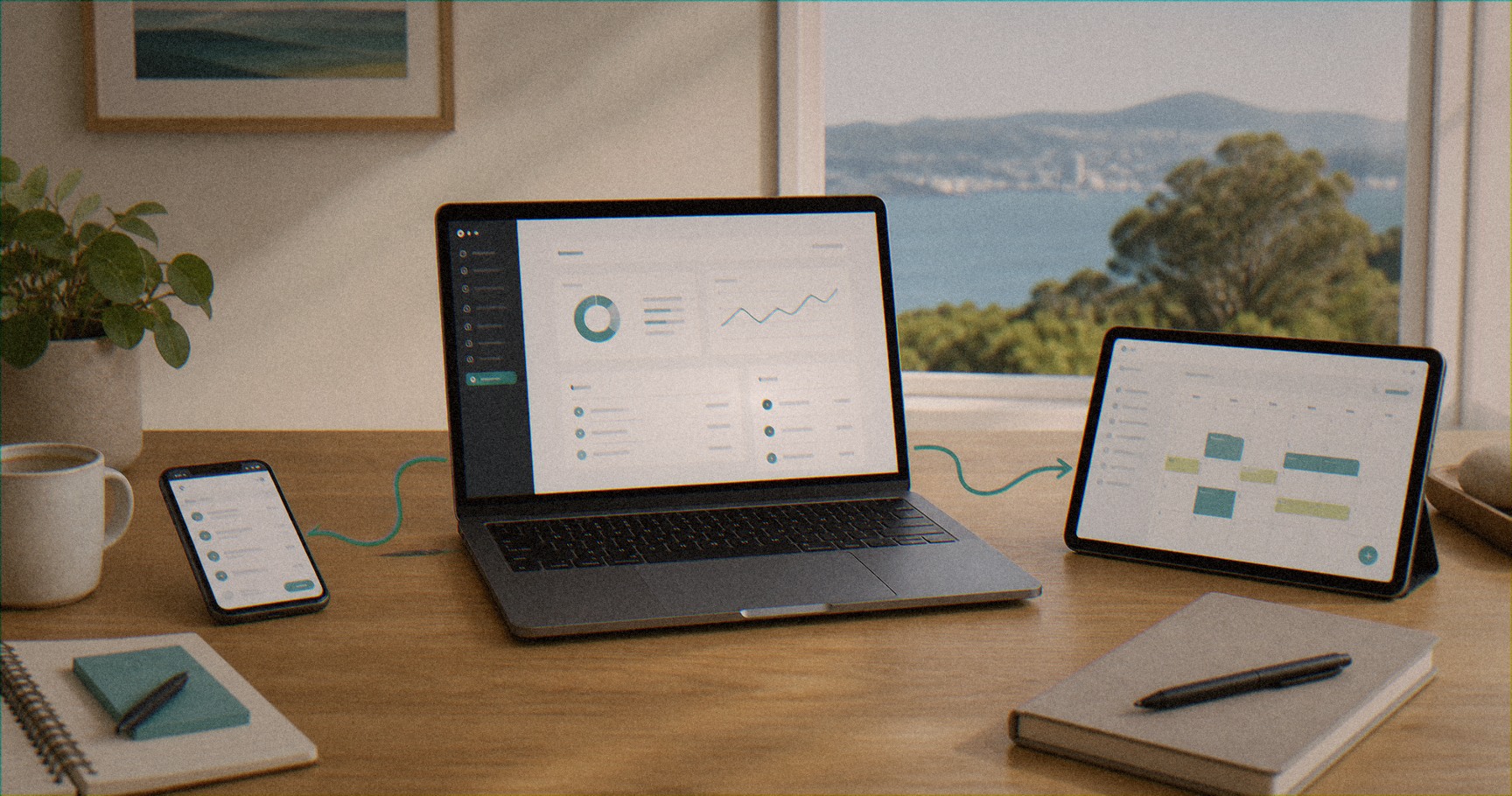
A CRM is a relationship management tool. It holds the people connected to your kaupapa, along with their history, notes, tasks and communications, all in one place.
For a marae, iwi organisation, hauora provider or social services, that means one clear place for the people connected to your kaupapa.
Whānau, members, clients, donors, volunteers, referrers, partners and suppliers can all sit in one place.
Each person can have their details, notes, forms, appointments, tags, emails, tasks and history attached to them.
That means a new kaimahi can pick up the thread without asking three people where the latest spreadsheet is and what happened on the last call.
What changes will we see
The biggest change is confidence.
Your team can see the latest contact details in realtime.
They can see who needs a follow up.
They can find everyone connected to a programme, rohe, funder, event or service.
They can stop wondering whether there's another version saved on someone's desktop.
That confidence matters.
It reduces double handling. It reduces missed follow ups. It makes reporting cleaner. It also makes it easier to protect sensitive whānau information because access can be managed properly.
You don't have to move everything at once
A CRM move shouldn't feel like starting from scratch.
Start with the relationships that matter most right now. That might be referrals and whānau support. It might be donors. It might be members. It might be event registrations or volunteers.
Clean that first. Agree on the fields you really need. Decide who owns updates. Then connect the next piece when the first one is stable.
The goal isn't a perfect database. The goal is a system your team will actually use.
Be careful with whānau information
A CRM can make privacy easier, but only if it's set up properly.
Don't give everyone access to everything by default. Be clear about sensitive notes. Decide what belongs in the system and what doesn't. Make sure forms, consent language and reporting outputs match the way you use the data.
For hauora and social services, this matters a lot. A tidy CRM should protect trust, not put it at risk.
The Hono way
We aren't anti-spreadsheets. We still use them when they're the right tool.
But if your spreadsheet has become the memory of the whole organisation, it's probably carrying too much.
A good CRM gives the memory back to the system, so your people can focus on the relationship.
That's the shift.
Not flash software.
Just a calmer, safer way to hold the people connected to your kaupapa.
Common pātai
When does a spreadsheet stop being enough?
Once you're supporting whānau, reporting to funders, managing referrals, running events and coordinating volunteers, a spreadsheet can't hold the relationships or the history. Your team ends up working too hard to answer simple questions.
What is a CRM?
A CRM is a relationship management tool. It gives you one clear place for the people connected to your kaupapa, with their details, notes, forms, appointments, tags, tasks and history attached to each person.
Do we have to move everything into a CRM at once?
No. Start with the relationships that matter most right now, agree on the fields you really need, decide who owns updates, then connect the next piece once the first one is stable.
If your spreadsheet is carrying too much, we can help you find something better. Let's kōrero.
Image Gallery
Explore our vibrant collection of hononga moments.
Let’s connect
and collaborate!
Ready to tidy up your systems and get the mahi flowing?!!
.png)
.png)
Explore Our Recent Insights
Discover valuable content to enhance your connections.
Ask ChatGPT for a Plumber in Tauranga. Go On. We'll Wait.

We’ve been a little quiet on our channels recently